Part 1
Get set up
4 lessons
-
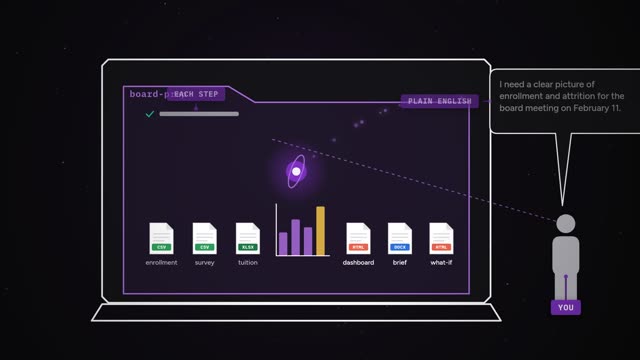 2:36
Lesson 1: What Claude Code is, and what you will build
See how Claude Code differs from chatting in a browser, what you will have made by the end, and what you need to begin.
-
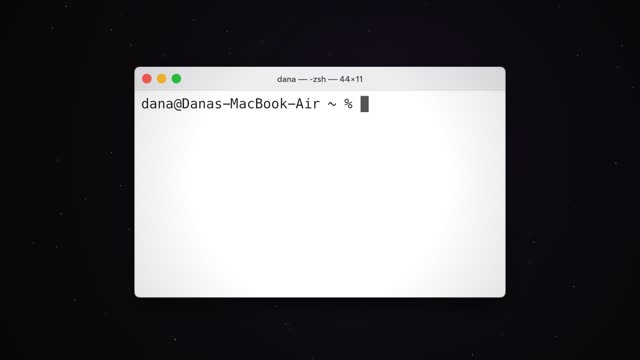 2:17
Lesson 2: Meet the Terminal
Open the Terminal, find your way around with four short commands, and step into any folder with one drag.
-
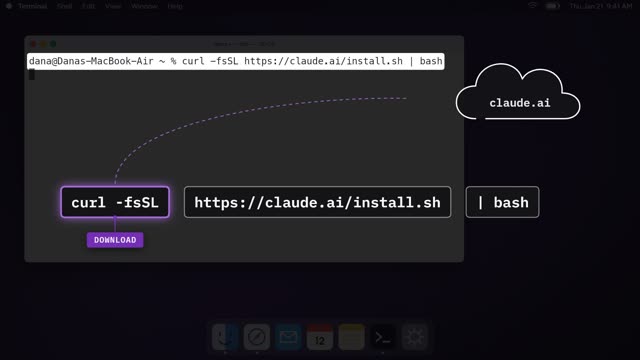 3:03
Lesson 3: Download and install
Install Claude Code with one pasted line from Anthropic's own page, and check that it worked.
-
 3:29
Lesson 4: First launch and sign-in
Make a project folder, start Claude Code inside it, sign in, trust the folder, and read the home screen.
Part 2
Working in a session
6 lessons
-
 4:01
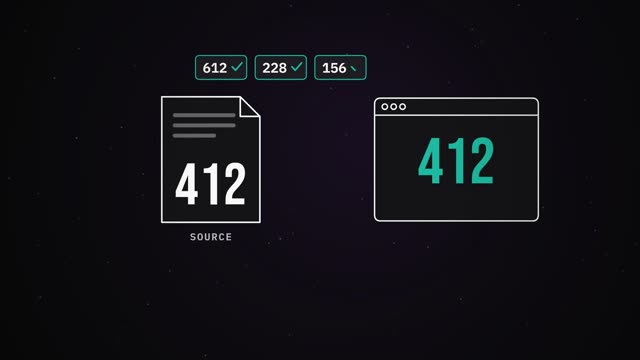
Lesson 5: Your first real conversation
Ask plain-English questions of a real school export, follow each step Claude takes, ask it to show its work, and save the answer as a file.
-
 3:14
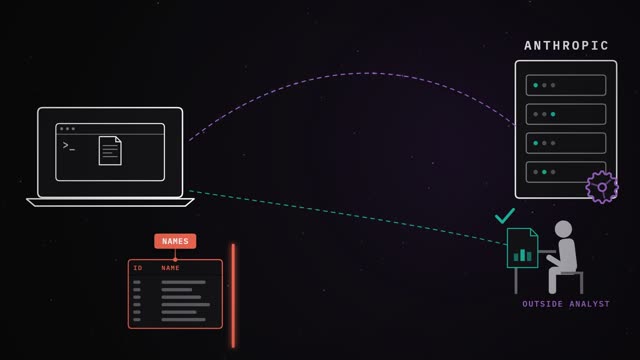
Lesson 6: Giving Claude your files
Hand Claude a file, a folder or a picture in three ways, and know what you should not hand over.
-
 3:08
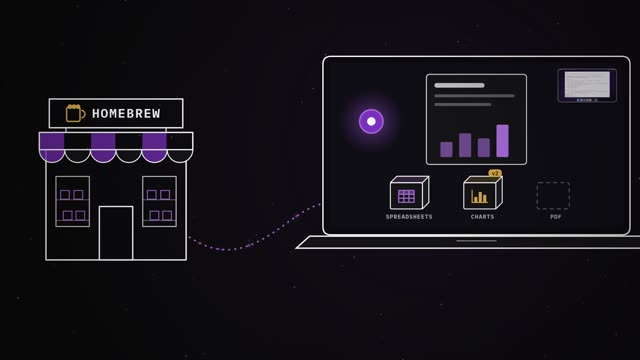
Lesson 7: What a package is
Understand what a package is, and install Homebrew, the tool that fetches packages for your Mac.
-
 3:23
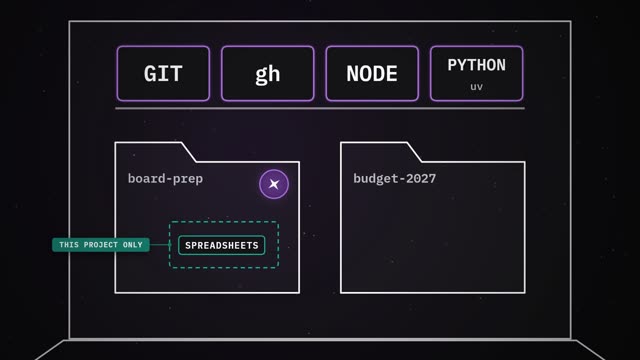
Lesson 8: The starter toolkit
Install Git, gh, Node and uv with one command, or have Claude check your setup and install what is missing.
-
 3:14
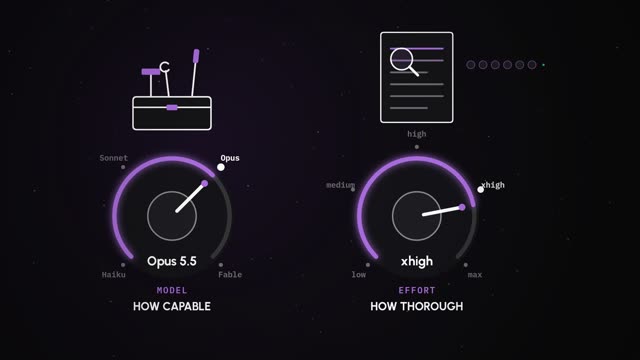
Lesson 9: Model and effort
Read and change the two settings that shape a task, the model and the effort, and see how much of your plan you have used.
-
 3:52
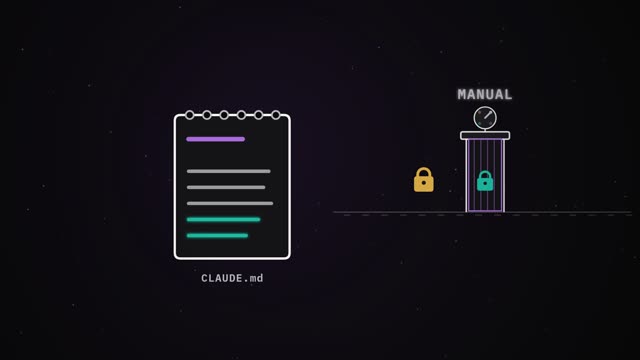
Lesson 10: Settings that matter
Choose how much Claude may do without asking, give it standing instructions in CLAUDE.md, and find your way around its settings.
Part 3
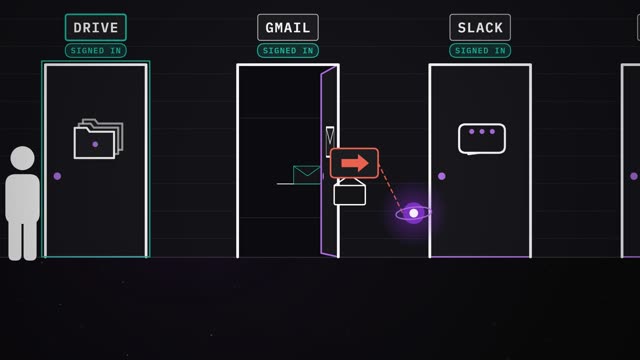
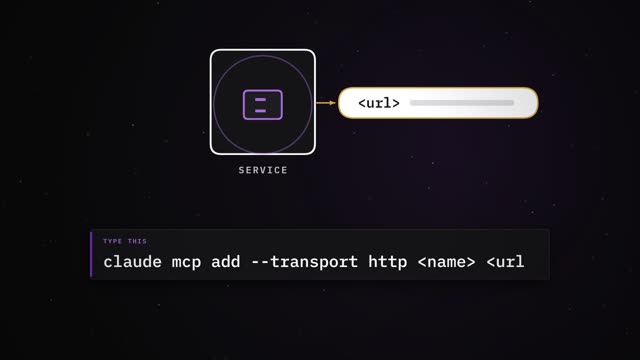
Connecting your tools
2 lessons
Part 4
What you can make
4 lessons
-
 4:32
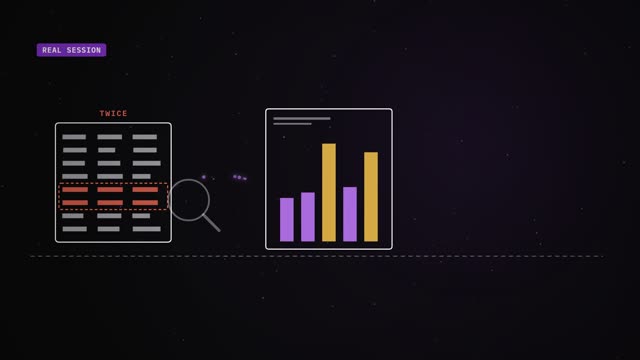
Lesson 13: An enrollment and attrition dashboard
Turn a messy enrollment export into an interactive attrition dashboard, then check how Claude defined and counted what it shows.
-
 2:50
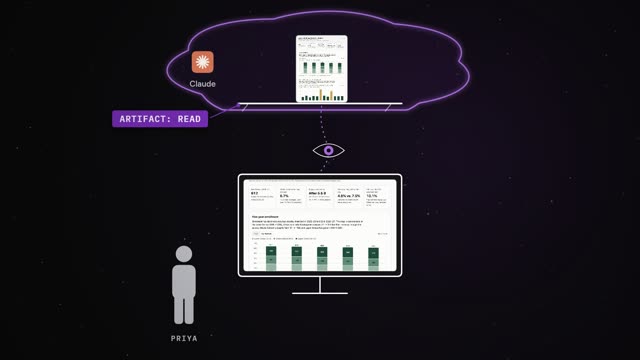
Lesson 14: Saving work as artifacts
Publish your dashboard as a private page in your Claude account, share the link when you are ready, and update it in place.
-
 4:30
Lesson 15: From parent survey to board brief
Turn 412 open survey comments into themes, counts and quotes you can trace, and a one-page Word brief for the board.
-
 4:08
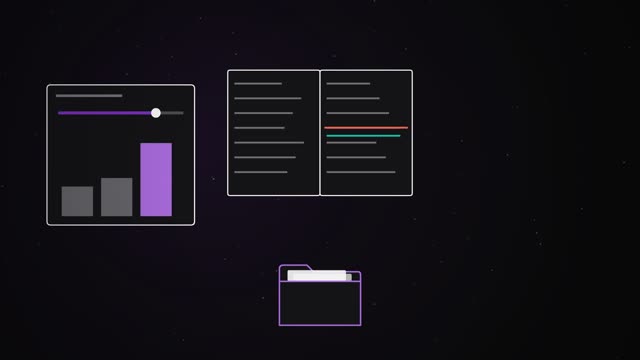
Lesson 16: More things to try
Build a tuition and aid what-if model, check a handbook for contradictions, and make a week-ahead prep sheet.
Part 5
GitHub
5 lessons
-
 2:52
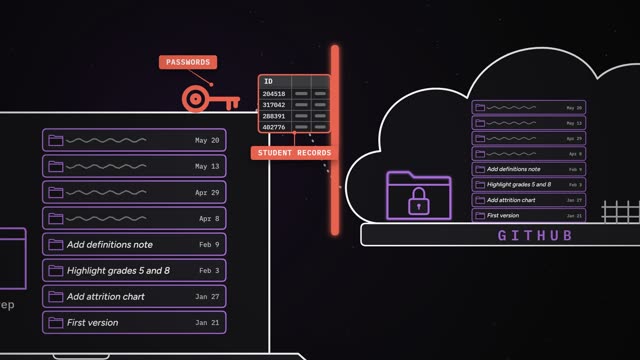
Lesson 17: What GitHub is
Understand what GitHub is, learn the three words that carry you through it, and make a free account.
-
 3:15
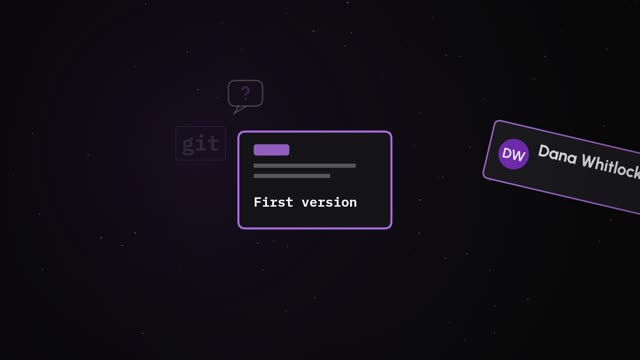
Lesson 18: Connecting GitHub
Sign your Mac in to GitHub once, tell Git who you are, and check that it worked.
-
 3:37
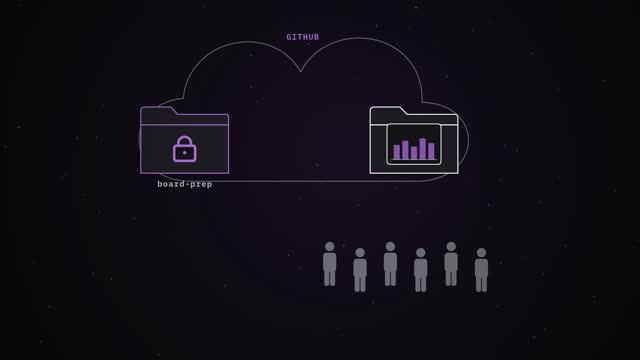
Lesson 19: Pushing a project
Put a project on GitHub as a private repo with one sentence, keep raw exports off it, and make a public sample copy when that is right.
-
 2:48
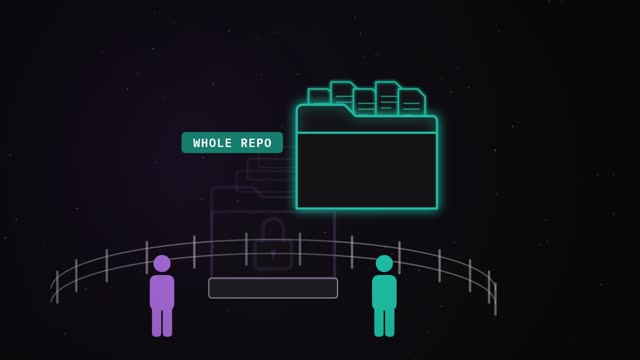
Lesson 20: Sharing a repo
Invite a colleague to a private repo, send a public one to anyone, and have Claude write a README for the person who will read it.
-
 3:07
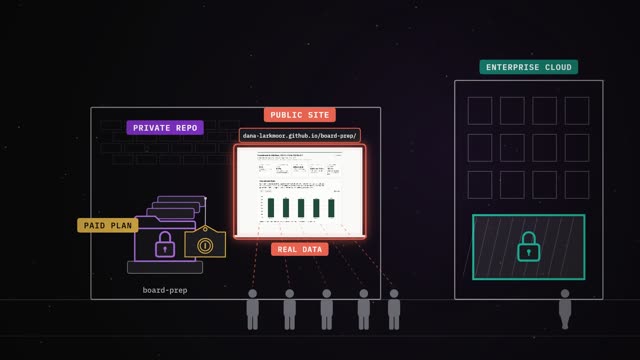
Lesson 21: GitHub Pages
Publish a dashboard as a live web page with GitHub Pages, and know why only sample data belongs there.
Part 6
Away from your desk
2 lessons
-
 3:30
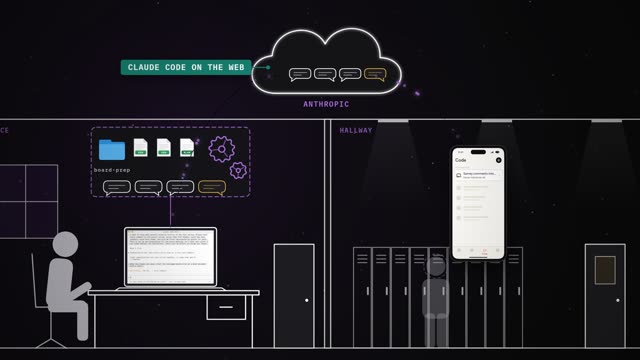
Lesson 22: Remote Control
Watch and steer a long job on your Mac from the Claude app on your phone, and know what has to stay true while you do.
-
 3:10
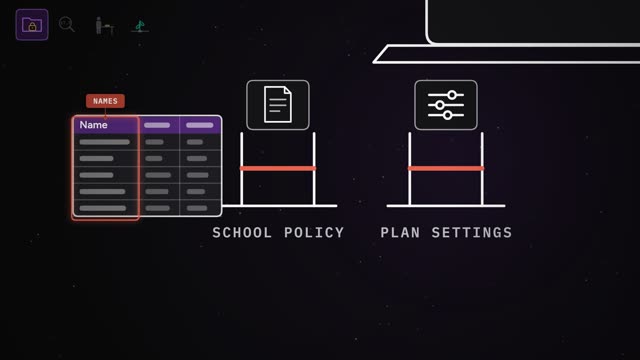
Lesson 23: Safe habits, and where to go next
Know what you are sharing, check the work, keep the decisions yours, and pick one real task for this week.