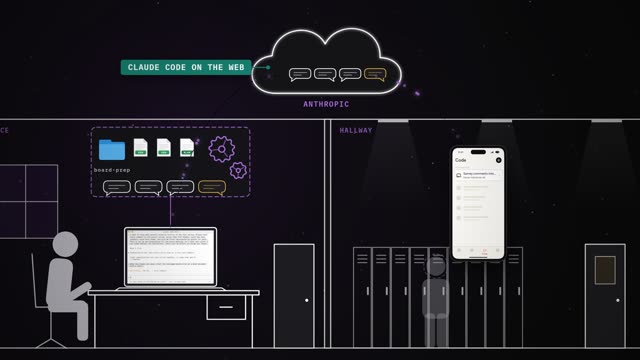
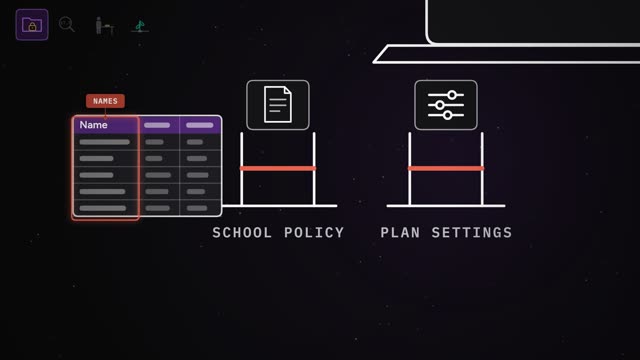
For education only. Not legal, IT or compliance advice. Talk to your school's attorney and IT department before using Claude Code at school. Use at your own risk.Not legal or IT advice. Use at your own risk. Read the full disclaimer and terms

FULLSTACKEDUCATOR

A video course in 23 short lessons

Claude Code for School Leaders (Mac)

Twenty-three short video lessons that take you from opening the Terminal for the first time to building, sharing and publishing real school work with Claude Code. No coding needed.

What you need: a Mac, a paid Claude plan, and about ninety minutes.

What you can makePick a job

Your calendar, week of February 8

The week ahead: 14 meetings

Seven need preparation. Point at a day.

Thursday carries the most: it ends with the board meeting.

parent_survey_brief_fall_2026.docx

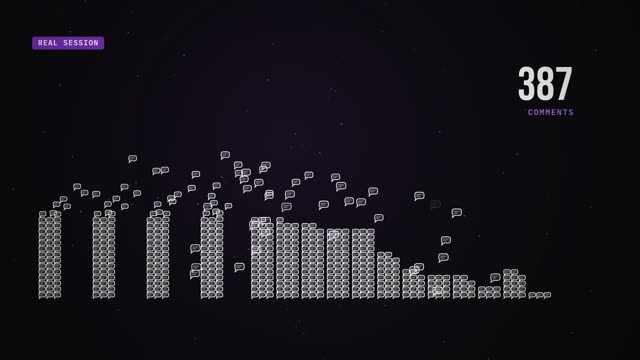
What 387 parent comments said

Every comment read, grouped and counted

    class_size_planner.html

    How many class sections do we need?

    18 students
    42 sectionskindergarten to grade 12, 612 students

    Average class: 14.6 students

    Examples made from the course's practice files. Larkmoor is an invented school.

    • 23lessons ready
    • 1 hr 17 minrunning time
    • 6parts

    Part 1

    Get set up

    4 lessons

    1. 2:36 Lesson 1: What Claude Code is, and what you will build See how Claude Code differs from chatting in a browser, what you will have made by the end, and what you need to begin.
    2. 2:17 Lesson 2: Meet the Terminal Open the Terminal, find your way around with four short commands, and step into any folder with one drag.
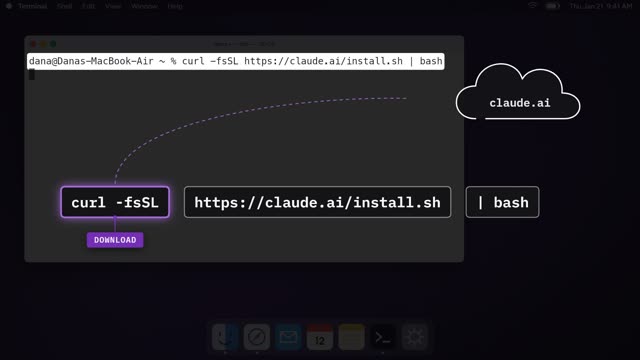
    3. 3:03 Lesson 3: Download and install Install Claude Code with one pasted line from Anthropic's own page, and check that it worked.
    4. 3:29 Lesson 4: First launch and sign-in Make a project folder, start Claude Code inside it, sign in, trust the folder, and read the home screen.

    Part 2

    Working in a session

    6 lessons

    1. 4:01 Lesson 5: Your first real conversation Ask plain-English questions of a real school export, follow each step Claude takes, ask it to show its work, and save the answer as a file.
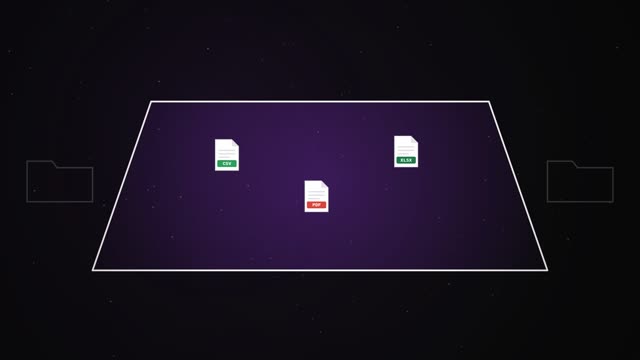
    2. 3:14 Lesson 6: Giving Claude your files Hand Claude a file, a folder or a picture in three ways, and know what you should not hand over.
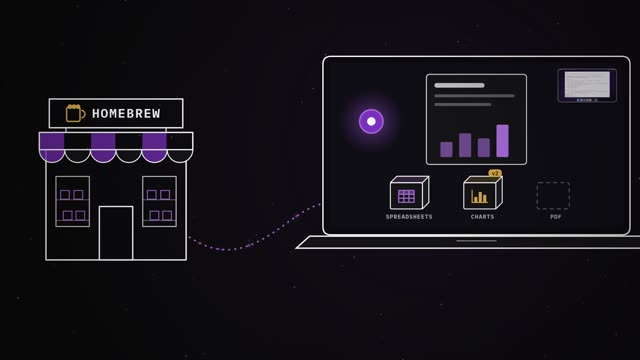
    3. 3:08 Lesson 7: What a package is Understand what a package is, and install Homebrew, the tool that fetches packages for your Mac.
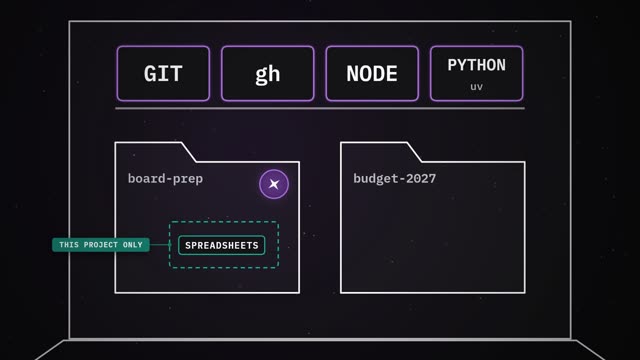
    4. 3:23 Lesson 8: The starter toolkit Install Git, gh, Node and uv with one command, or have Claude check your setup and install what is missing.
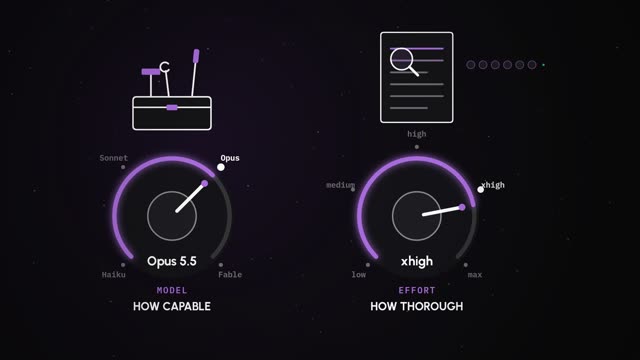
    5. 3:14 Lesson 9: Model and effort Read and change the two settings that shape a task, the model and the effort, and see how much of your plan you have used.
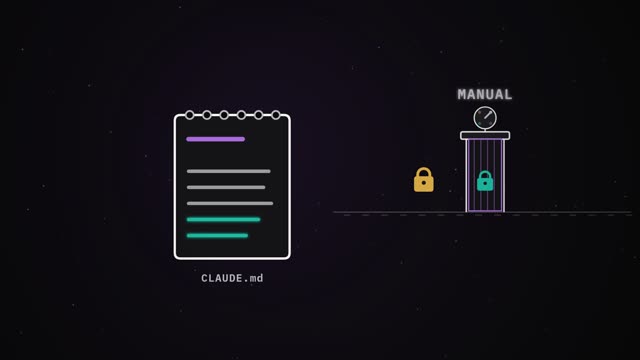
    6. 3:52 Lesson 10: Settings that matter Choose how much Claude may do without asking, give it standing instructions in CLAUDE.md, and find your way around its settings.

    Part 3

    Connecting your tools

    2 lessons
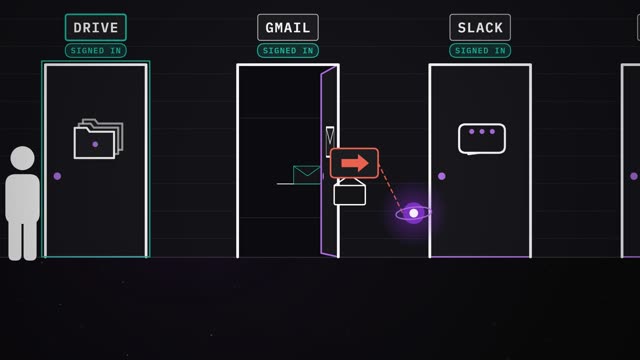
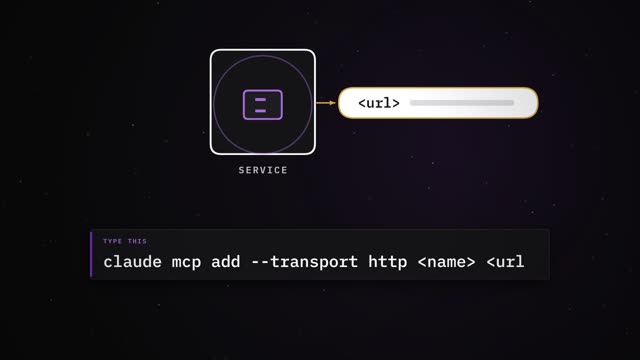
    1. 2:45 Lesson 11: What MCP is Understand how connectors let Claude reach your calendar, email and shared drive, and how you stay in charge of them.
    2. 3:33 Lesson 12: Setting up a connection Connect Google Calendar, ask Claude about your week, and have it use the calendar and your files together.

    Part 4

    What you can make

    4 lessons

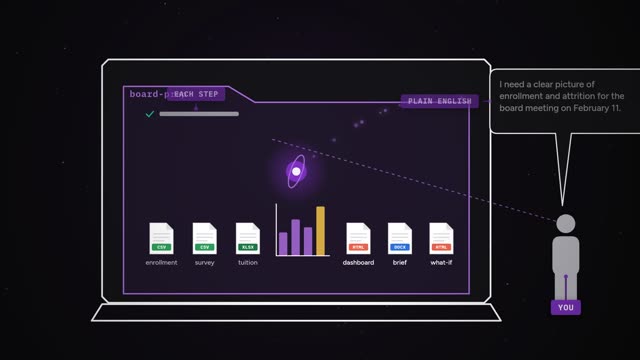
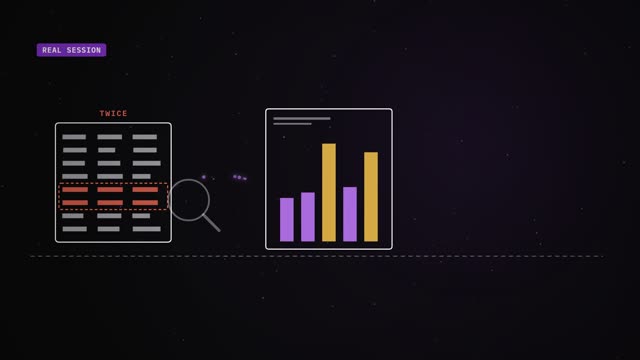
    1. 4:32 Lesson 13: An enrollment and attrition dashboard Turn a messy enrollment export into an interactive attrition dashboard, then check how Claude defined and counted what it shows.
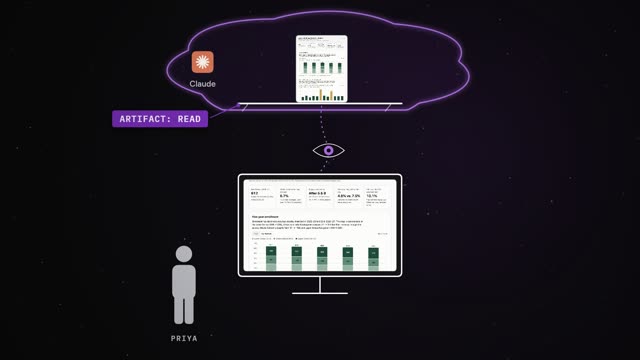
    2. 2:50 Lesson 14: Saving work as artifacts Publish your dashboard as a private page in your Claude account, share the link when you are ready, and update it in place.
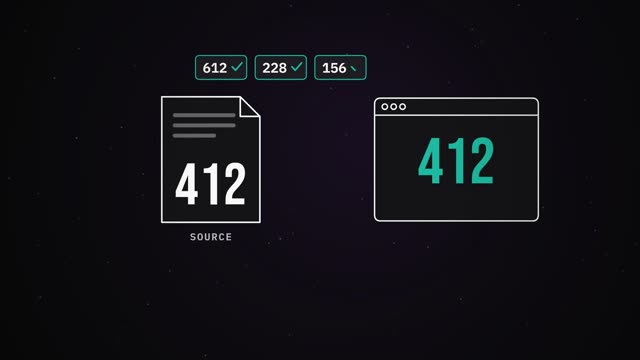
    3. 4:30 Lesson 15: From parent survey to board brief Turn 412 open survey comments into themes, counts and quotes you can trace, and a one-page Word brief for the board.
    4. 4:08 Lesson 16: More things to try Build a tuition and aid what-if model, check a handbook for contradictions, and make a week-ahead prep sheet.

    Part 5

    GitHub

    5 lessons

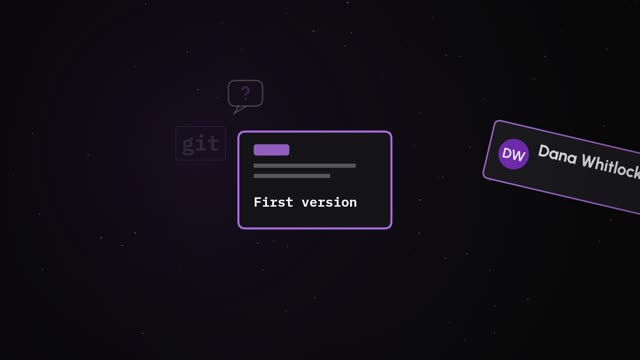
    1. 2:52 Lesson 17: What GitHub is Understand what GitHub is, learn the three words that carry you through it, and make a free account.
    2. 3:15 Lesson 18: Connecting GitHub Sign your Mac in to GitHub once, tell Git who you are, and check that it worked.
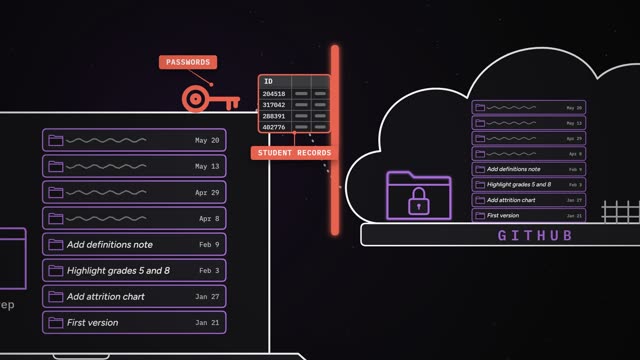
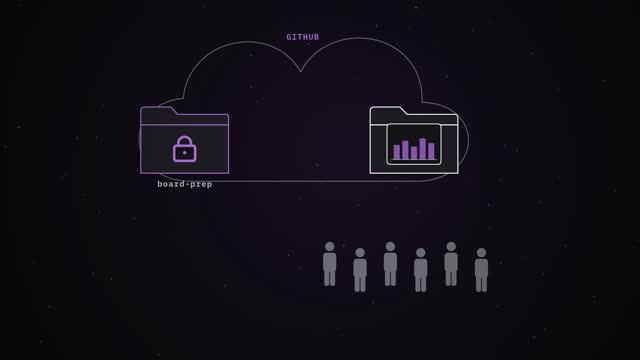
    3. 3:37 Lesson 19: Pushing a project Put a project on GitHub as a private repo with one sentence, keep raw exports off it, and make a public sample copy when that is right.
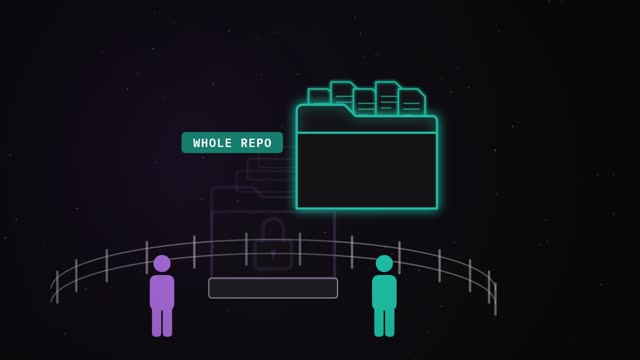
    4. 2:48 Lesson 20: Sharing a repo Invite a colleague to a private repo, send a public one to anyone, and have Claude write a README for the person who will read it.
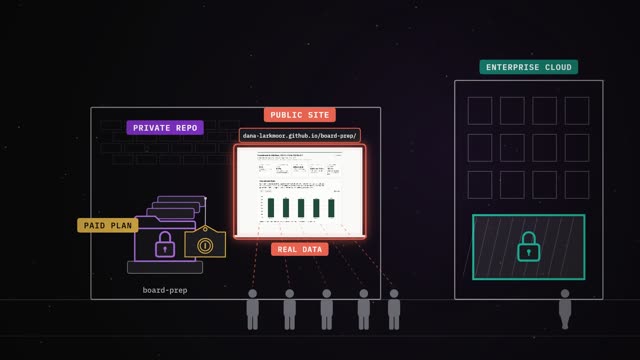
    5. 3:07 Lesson 21: GitHub Pages Publish a dashboard as a live web page with GitHub Pages, and know why only sample data belongs there.

    Part 6

    Away from your desk

    2 lessons

    1. 3:30 Lesson 22: Remote Control Watch and steer a long job on your Mac from the Claude app on your phone, and know what has to stay true while you do.
    2. 3:10 Lesson 23: Safe habits, and where to go next Know what you are sharing, check the work, keep the decisions yours, and pick one real task for this week.

    Follow along

    Practice with the same files

    Every lesson uses the files of Larkmoor School, a K-12 day school, exported the way a real school's systems export them. Download the folder, open it with Claude Code, and try each step yourself.

    Everything in it is invented: the school, its people and every number. There are no student names, on purpose. Students appear only as six-digit ID numbers, which is how real student data should reach any tool.

    Before you put real school data in

    Check first, then check the work

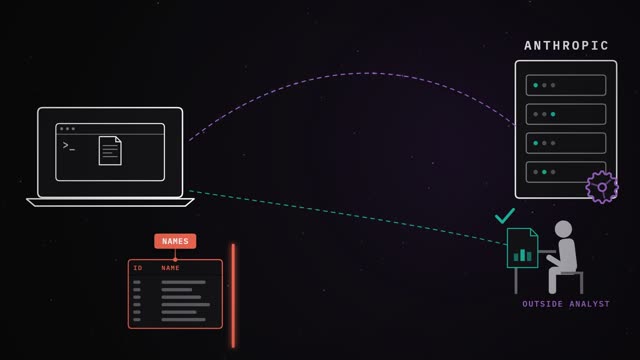
    What you give Claude Code is sent to Anthropic to be processed. Before anything with student or staff names goes in, check your school's policy and your plan's data settings (on claude.ai, Settings, then Privacy; or type /privacy-settings in Claude Code).

    The safest file is one without names: export student ids, not names, before a file reaches the folder. An artifact shared by link and any GitHub Pages site can be opened by anyone who has the address.

    Claude makes mistakes. Ask for the counts and sources behind a claim, spot-check one number against the original, and read every word before it goes to a parent or the board.

    The fine print

    Disclaimer and terms of use

    Last updated November 20, 2026

    Education only. This course, its videos, the cheat sheet and the practice files are for general educational purposes. They show one way to use a software tool. They are not legal, technology, security, privacy or compliance advice, and they are not a substitute for it.

    Check with your own experts first. Before you install or use Claude Code or any AI tool at your school, talk to your school's attorney and your IT department, and follow your school's policies. Laws and contracts about student and employee information (in the United States, for example, FERPA, COPPA and state student-privacy laws) apply to your school in ways this course cannot assess.

    Your data is your responsibility. What you give an AI tool is sent to the company that runs it. Do not enter student records, personnel records, health information or other confidential information unless your school has approved that use.

    AI makes mistakes. Claude Code and other AI tools can produce errors, including wrong numbers and statements that look right. Check every result before you rely on it or share it.

    No warranty. Everything here is provided "as is", without warranties of any kind, express or implied, including accuracy, completeness or fitness for a particular purpose. Software changes often, so the steps, screens, prices and features shown may be out of date.

    Limitation of liability. To the fullest extent the law allows, Michael Lomuscio is not liable for any loss or damage arising from your use of, or reliance on, this course or the tools it describes. That includes data loss, security incidents, costs, and decisions made using AI-generated output. You use this course and those tools at your own risk.

    Not affiliated. This is an independent course. It is not affiliated with, sponsored by or endorsed by Anthropic, GitHub, Apple, Google or any other company named. You are responsible for following those companies' terms and for any fees they charge.

    The examples are invented. Larkmoor School, its people and all its data are fictional. Any resemblance to a real school or person is coincidental.

    Personal views. The views here are the author's own and do not represent any employer or school.

    Copyright and sharing. © 2026 Michael Lomuscio. All rights reserved. You are welcome to watch this course, share links to it, and show it in your own school's meetings, classes and training, at no charge. You may download the practice files and examples for your own learning. Please do not sell, re-upload, republish or alter the videos or materials without written permission.

    Using this course means you accept these terms. If you do not agree, please do not use it.